
April 12, 2026
.markdown
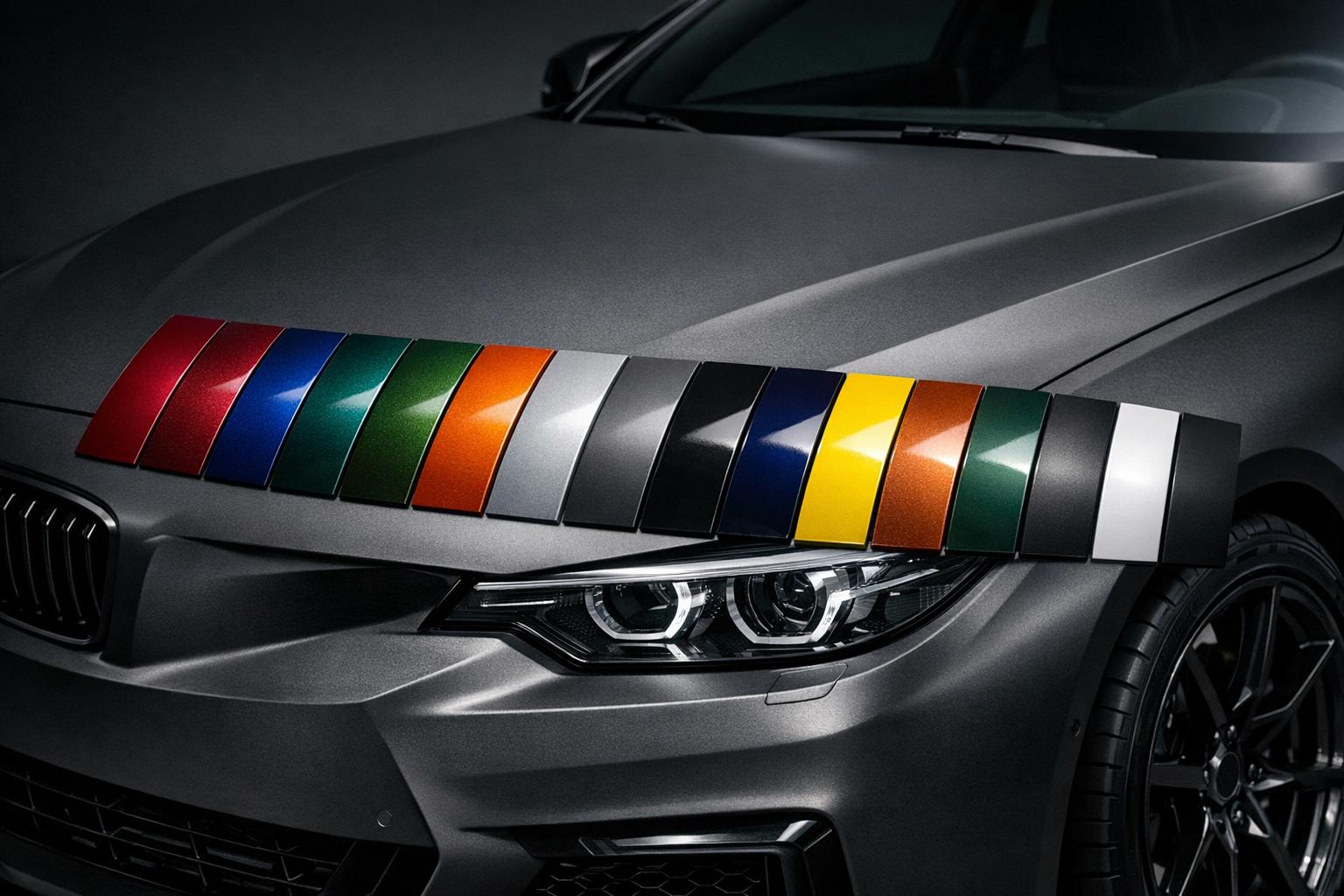
Ever wondered what your car would look like in a deep metallic green or a sleek matte black? Choosing the right shade for your vehicle can feel like a daunting task, but it doesn’t have to be. With the rise of digital tools, visualizing a new look for your car has never been easier. You can experiment with endless combinations of hues, textures, and intensities right from your browser.
Your car isn’t just a way to get around—it’s an extension of your style. A tailored paint job can turn heads, reflect your personality, and even boost resale value if done right. But before you commit to a color, seeing a preview is key. That’s where innovative online platforms come in, letting you test-drive different looks without picking up a spray can. Whether you’re into bold, vibrant tones or subtle, classy finishes, there’s a perfect match waiting for you.
So why wait? Dive into the world of automotive customization and start crafting a design that feels uniquely yours. A few clicks could lead to the ride of your dreams!
The preview gives a solid idea of what your custom car paint color will look like, but keep in mind that screen calibration can affect how colors appear. A bright phone screen might show a shade differently than a dim laptop display. Plus, real-world factors like lighting and paint application can cause slight variations. Use the hex code as a reliable guide when talking to a professional painter.
Yes, the hex code is a universal color reference that many paint shops can work with. However, not all shops use hex codes directly—they might need to convert it to their system or match it manually. I’d recommend showing them the code and discussing the finish type (like Matte or Metallic) to ensure they nail the look you’re going for.
Absolutely! The finish—whether it’s Matte, Glossy, or Metallic—can transform a color’s personality. A glossy red might pop with a shiny, reflective vibe, while a matte red feels more understated and modern. Metallic finishes add a subtle shimmer that catches the light. Play around with the options in our tool to see how each one shifts the mood of your base color.